
The Zillow Pro plugin allows you to display rental listings & reviews from Zillow profile to your WordPress website. You can use the following shortcodes to implement its features on pages, posts, or templates as per your needs.
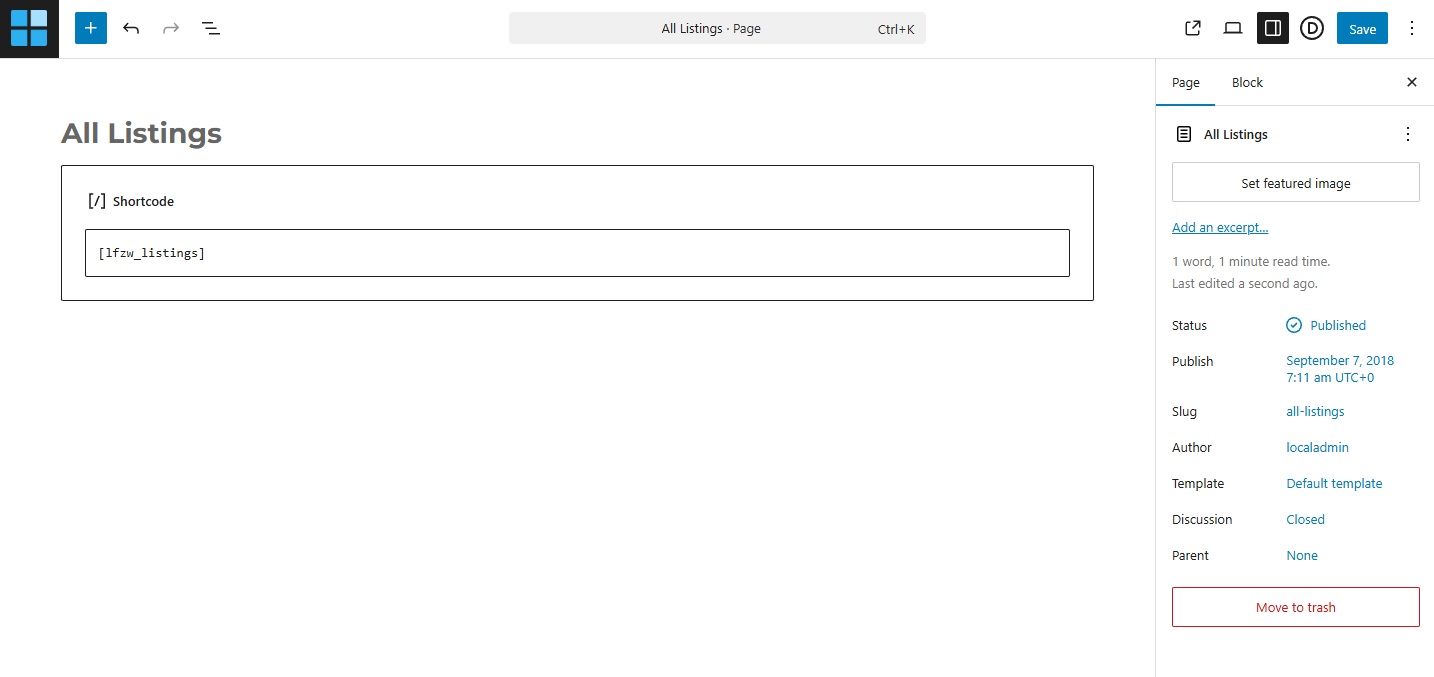
– Create a New Page.
– Paste short-code [lfzw_listings] and Save the page.
If you are using any page builder, please make sure to use a shortcode-block.
List of all Zillow Plugin Shortcodes:
[lfzw_listings] : It will display your Listings available for Sale on Zillow Profile. Learn how to customize output of this shorcode please visit – Customize All Listings Page
[lfzw_details unit_id=”unit_id”] : If you want to display just a single listing with full details on a single page or post use this shortcode with an attribute of unit_id.
How to get a Unit ID: Open a single listing available for sale on Zillow. Look into browser’s address bar and you will see a word “zpid” in URL. Unit ID is just this number written before “zpid”.
For Example:
URL of a Single Listing available for sale –
https://www.zillow.com/homedetails/2736-N-Ashland-Ave-3N-Chicago-IL-60614/2077908532_zpid/
Unit ID is 2077908532
So your shortcode for this Unit will be [lfzw_details unit_id=”2077908532″]
Learn how to customize single listing page please visit – Customize Single Listings Page
[lfzw_listings type=”rent”] : It will display rental listings only. You need to enable “fetch for-rent listings” under plugin settings before fetching listings and using this shortcode.
[lfzw_reviews] : It will display Zillow Profile Reviews.
Learn how to customize output of Reviews shorcode please visit – Zillow Reviews Settings